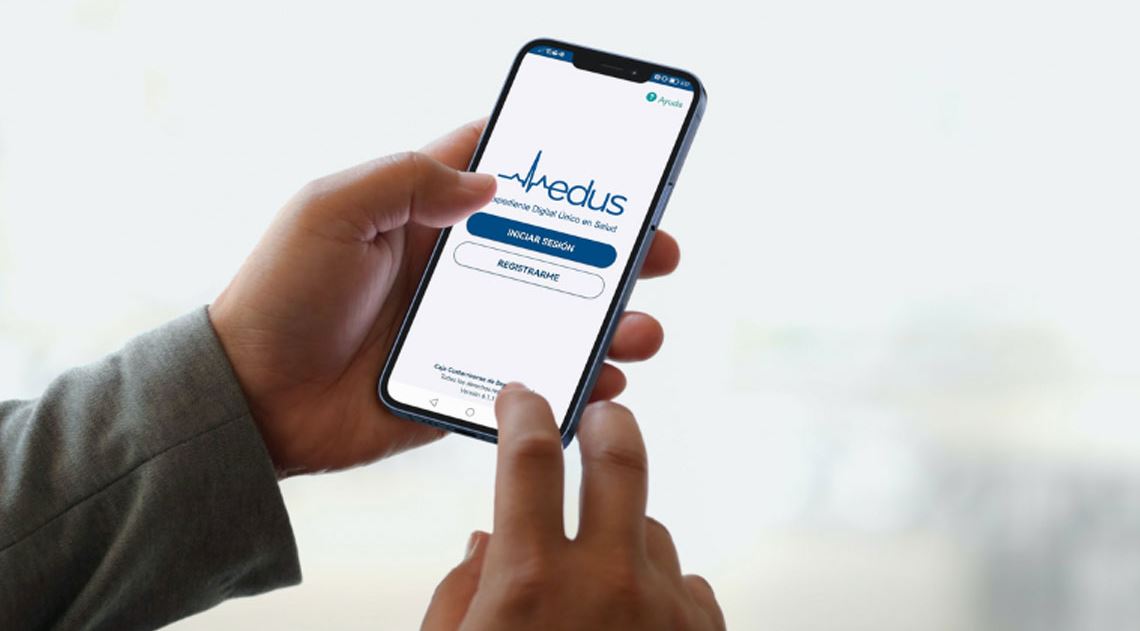
Schedule CCSS Medical Appointments with Edus App & Web: Your Gateway to Efficient Healthcare
In the vibrant landscape of Costa Rica, accessing healthcare services efficiently is paramount for residents. The Caja Costarricense de Seguro Social (CCSS) plays a vital role in providing medical attention, and at the heart of its modernization efforts lies the Edus platform. Whether you prefer the convenience of your smartphone or the detailed interface of a web browser, the Edus app and web portal have revolutionized how Costa Ricans manage their health. This comprehensive guide will walk you through the seamless process of scheduling and managing your CCSS medical appointments, often referred to as Citas Edus Web, and much more, ensuring you stay connected to your healthcare needs.
What is Edus and Why is it Essential for CCSS Appointments?
Edus, short for Expediente Digital Único en Salud (Unique Digital Health Record), is the official digital health platform provided by the CCSS. It was developed with the clear objective of bringing healthcare services closer to the public, empowering patients with unprecedented control over their medical journey. Before Edus, scheduling a CCSS appointment often involved lengthy phone calls, physical visits to clinics, and considerable waiting times. Edus has transformed this experience, offering a streamlined, accessible, and user-friendly alternative that saves both time and effort.
Streamlining Your Medical Journey with Edus
Edus is more than just an appointment booking system; it's a comprehensive digital health ecosystem. Its primary goal is to simplify interactions with the CCSS, making healthcare management less daunting. By centralizing essential services, Edus ensures that every insured individual and their authorized dependents can navigate the healthcare system with ease. This digital transformation means fewer barriers to accessing timely medical attention, fostering a proactive approach to personal health.
Key Features of the Edus Platform
The Edus app and web portal are packed with features designed to enhance your interaction with the CCSS. Here’s what you can expect:
- Effortless Appointment Scheduling: Book new medical appointments for yourself or your authorized dependents at your local EBAIS or CCSS clinic.
- Appointment Management: Easily view, reschedule, or cancel existing appointments, freeing up slots for other patients and optimizing healthcare resources.
- Digital Health Record Access: Gain secure access to your digital health records, including your medical history, diagnoses, prescriptions, and test results.
- Health Status Monitoring: Check your current health affiliation status (condición de salud adscrito) and stay informed about any new registrations or updates related to your care.
- Dependents Management: Securely manage the appointments and health information for your authorized dependents, ensuring the whole family’s health needs are met.
- Official and Secure: As the official CCSS application, Edus guarantees the security and privacy of your sensitive health information, adhering to strict data protection standards.
- Continuous Improvement: The platform is constantly being updated with new functionalities and improvements, reflecting the CCSS's commitment to providing a cutting-edge user experience.
How to Schedule Your Medical "Citas Edus Web" & App Appointments
One of the most valuable aspects of Edus is its intuitive process for booking and managing appointments. Whether you prefer the mobility of the app or the broader view of the web portal, scheduling your Citas Edus Web is straightforward.
Getting Started: Account Registration
Before you can begin scheduling appointments, you'll need to create an account. This is a simple, one-time process:
- Identification: You will need your identification number (número de identificación).
- Registration Options: You can register directly through the Edus mobile app (available for both iOS and Android devices) by tapping the "Registrarse" (Register) button on the initial screen, or through the Edus web portal. Both methods are secure and user-friendly.
- Account Creation: Follow the prompts to create your username and password. Remember to keep these credentials safe and secure.
For a more detailed walkthrough and practical tips on setting up your account and navigating the initial steps, you might find our guide on Get Started with Edus: Manage Your CCSS Medical Citas Easily particularly helpful.
Step-by-Step Guide to Booking an Appointment
Once registered, scheduling your Citas Edus Web or app appointments is simple:
- Log In: Access the Edus app on your smartphone or the Edus web portal on your computer using your registered identification number and password.
- Navigate to Appointments: Look for the "Citas" or "Agendar Cita" section.
- Select Patient: Choose whether you are booking for yourself or an authorized dependent.
- Choose Service/Specialty: Select the type of medical service or specialty you require.
- Select Date and Time: The system will display available dates and times at your assigned CCSS clinic. You can pick the slot that best suits your schedule. The platform is constantly being improved to offer the most current availability.
- Confirm: Review the details of your appointment and confirm. You will receive a confirmation within the app or web portal, and often via email or SMS if configured.
Managing Appointments for Dependents
One of Edus's most convenient features is the ability to manage appointments for your authorized dependents. This means you can schedule and oversee the healthcare needs of your children, elderly parents, or other family members, all from your single Edus account. Simply select the dependent's profile when prompted during the appointment scheduling process.
Beyond Appointments: Exploring Other Edus Features
While scheduling Citas Edus Web is a primary function, the Edus platform offers a wealth of additional features that empower you to take a more active role in managing your health information.
Your Digital Health Record at Your Fingertips
The core of Edus is your expediente digital – your unique digital health record. This feature allows you to:
- Review Medical History: Access records of past consultations, diagnoses, and treatments, providing a comprehensive overview of your health journey since 2014.
- Consult Test Results: View laboratory results and imaging reports, often without needing to make a separate trip to the clinic.
- Medication Management: Keep track of prescribed medications, dosages, and refill dates.
- Share Information: With your consent, relevant healthcare providers can access your digital record, ensuring continuity of care and preventing redundant tests or information gathering.
This digital record is a powerful tool for informed decision-making and ensures that your medical information is consistent and available whenever and wherever you need it within the CCSS system. To dive deeper into how this works and the benefits of having Edus App & Web: Your Access to CCSS Health Records and Services, check out our dedicated article.
Monitoring Your Health Status and Upcoming "Citas Edus Web"
Edus goes beyond just past records. It also provides current information:
- Health Adscription: Check your current health condition and affiliation status, confirming your eligibility for CCSS services.
- Recent Registrations: Stay updated on any newly registered appointments or medical events related to your profile or that of your dependents.
- Appointment Reminders: The app often sends notifications for upcoming appointments, helping you avoid missed visits and ensuring you’re punctual.
Tips for a Seamless Edus Experience
To make the most of your Edus app and web experience, consider these practical tips:
- Keep Your App Updated: Ensure you always have the latest version of the Edus app installed to benefit from new features and security improvements.
- Secure Your Credentials: Your identification number and password are your keys to your health information. Keep them confidential and avoid sharing them.
- Check Notifications: Enable notifications on your smartphone for the Edus app to receive timely reminders about your Citas Edus Web and other important updates.
- Stable Internet Connection: When accessing Edus, ensure you have a stable internet connection for a smooth and uninterrupted experience.
- Familiarize Yourself: Take some time to explore all the sections of the app and web portal. Understanding its layout will save you time in the long run.
- Feedback Welcome: Remember that Edus is in continuous improvement. If you encounter issues or have suggestions, look for feedback options within the platform.
The Edus app and web portal represent a significant leap forward in healthcare accessibility and management for Costa Ricans. By embracing this technology, you gain unparalleled control over your medical appointments, access to your vital health records, and the convenience of managing your family’s healthcare needs from anywhere. Scheduling your Citas Edus Web has never been easier, proving that digital innovation can truly enhance the quality and accessibility of public health services.